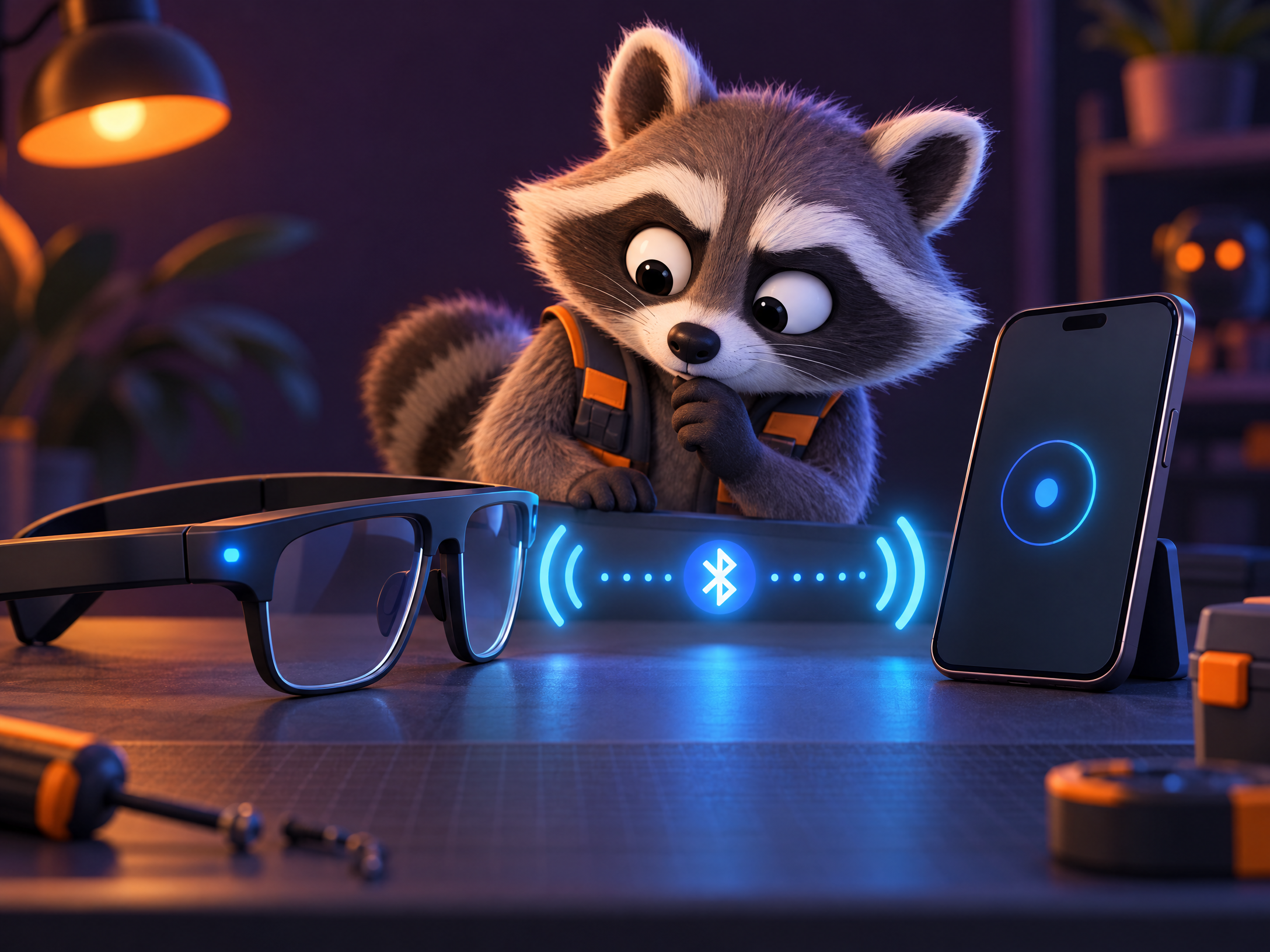
01 · Pairing
Bluetooth, but make it civil
Use the Meta AI app and the charging case’s pairing light. Phone settings are not the front door.
Open pairing guide →
Pairing loops, mystery LEDs and the ancient ritual of finding the charging case. Practical steps first; tiny tech-support bird second.
Start with the symptom. All roads here lead to an actual guide page, not a mysterious dead-end button.
Use the Meta AI app and the charging case’s pairing light. Phone settings are not the front door.
Open pairing guide →
Know what gets erased, and try a no-data-loss restart before you send everything to factory settings.
Open reset guide →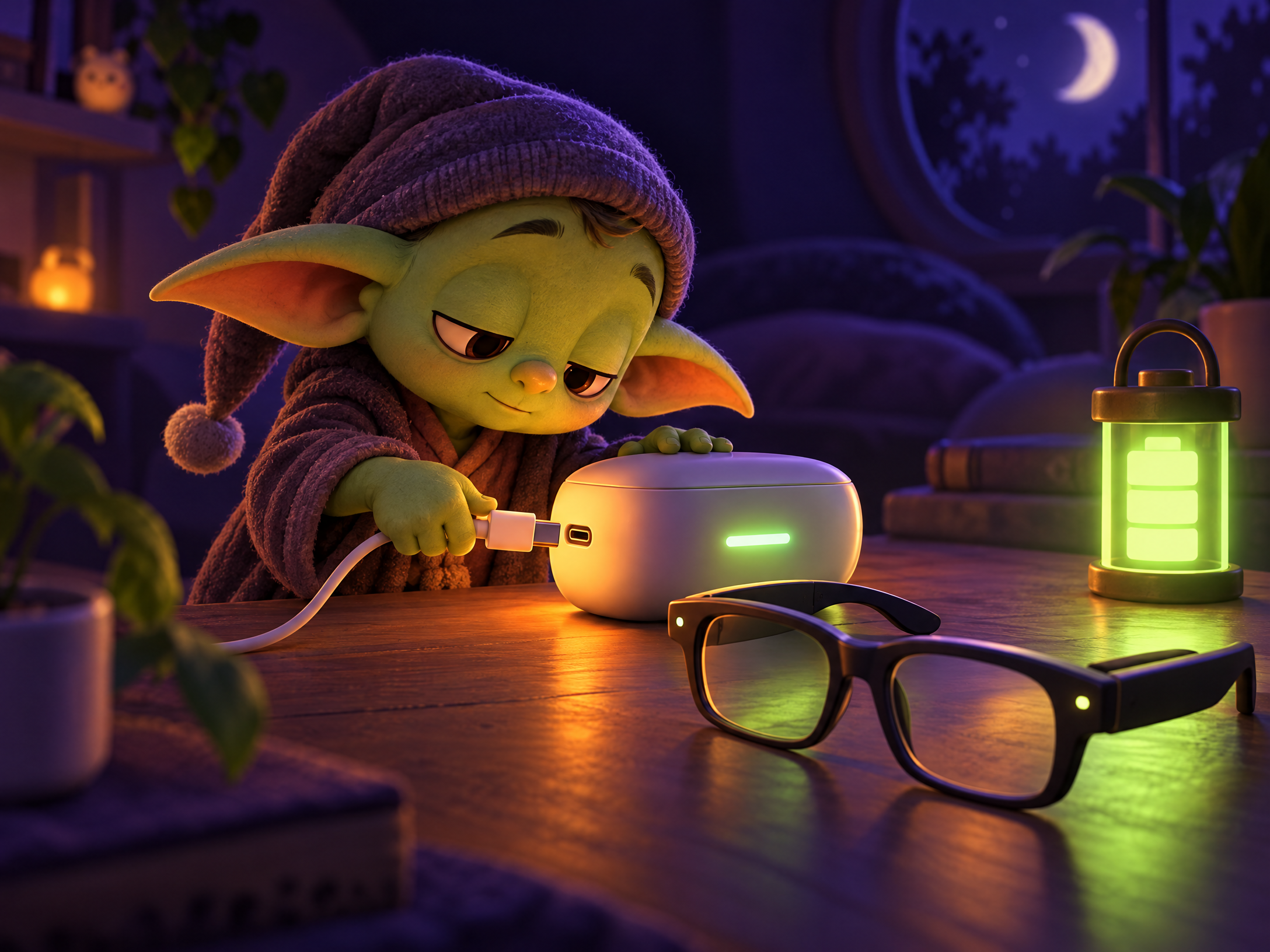
Official charging is case-based. Here are the real status lights and the Gen 2 battery estimate.
Open charging guide →This is an independent fan-made help site, not Meta or Ray-Ban support. We flag field anecdotes where they differ from Meta’s published instructions.